
How to Generate Leads Using Facebook & Google Ads
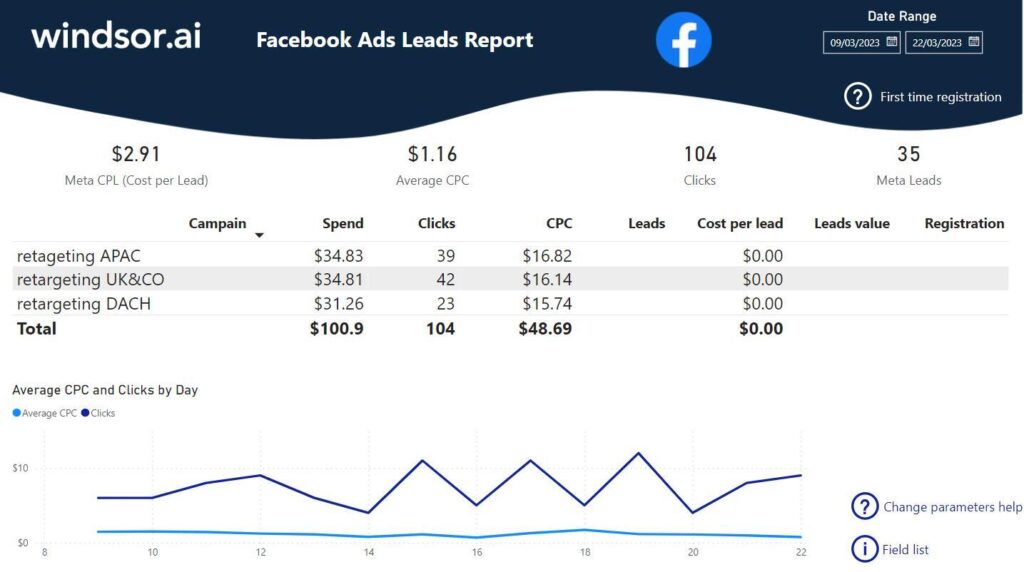
Getting leads is important for any business. Platforms like Facebook and Google Ads help you reach the right audience and turn them into customers. Here’s how you can do it step by step.
1. Know Your Target Audience
Before running ads, understand who your customers are.
Age, location, interests, and needs matter.
This helps you show ads to the right people.
2. Choose the Right Platform
Use Facebook Ads to target people based on interests and behavior.
Use Google Ads to reach people who are already searching for your service.
Both platforms work best when used together
3. Create Attractive Ads
Your ad should catch attention quickly.
Use clear images, short videos, and simple text.
Highlight your offer or benefit clearly.
4. Use a Strong Call-to-Action (CTA)
Tell people what to do next.
Examples: Sign Up, Contact Us, Get a Free Quote
A clear CTA increases your chances of getting leads.
5. Send Traffic to a Landing
Don’t send users to your homepage.
Create a simple landing page with:
Clear headline
Benefits of your service
Contact form